Free video and voice calls
Skype lets you make video calls using the WiFi network or your phone’s 3G connection, but you can also send messages or share photos or videos with your contacts.

Unlock your creativity with Adobe Stock
Get 10 images or 1 video with a free trial
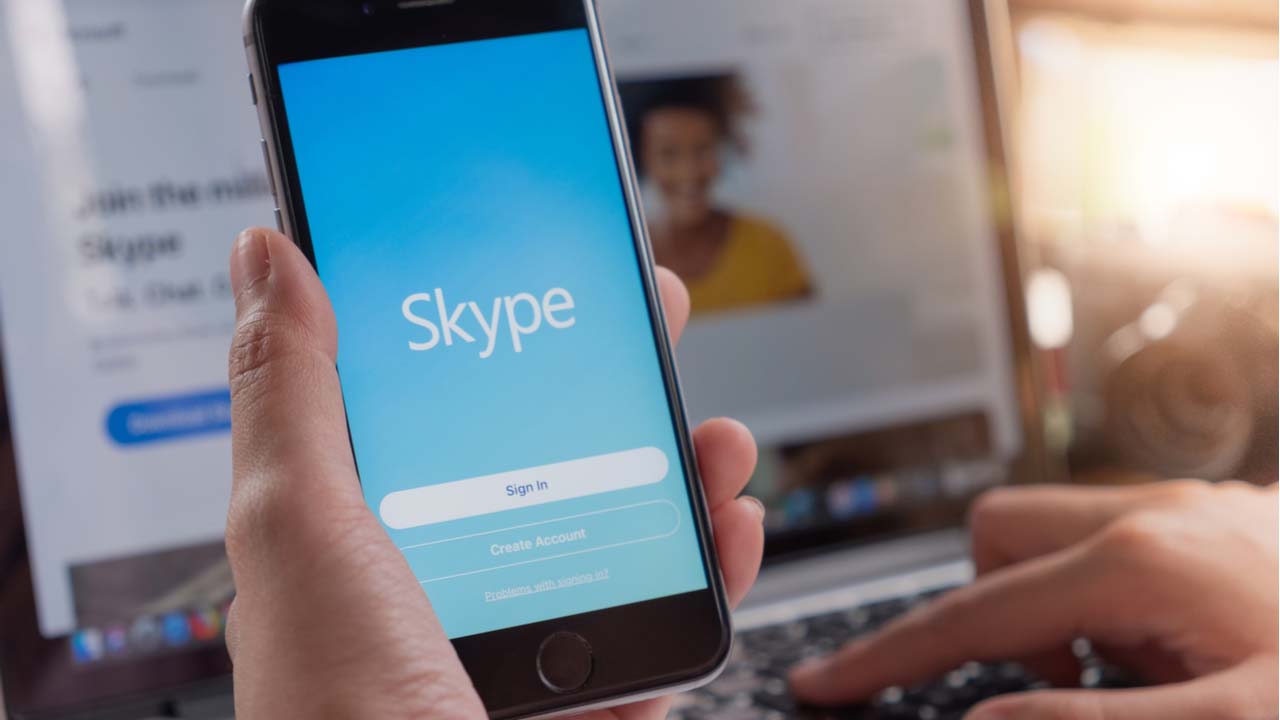
Mobile Skype
With Skype’s mobile app, you can access your Skype account to call phone numbers or other Skype accounts, in addition to chat and messaging. The highlight, of course, is the video calls, for which you can choose the quality of the video to help improve its performance.
It is also possible to add and remove multiple people to voice or video call, with up to four people able to join a single chat.
If you have a Skype account, it automatically syncs with the app so that you can use your Skype credit and add, if you like, your Skype contacts.
Skype includes other functions, such as editing your status, setting up notifications, and managing your contacts. The app also allows you to view a contact’s profile, in addition to leaving voice messages and adding participants to ongoing conversations.
Improved design
The app has improved its design with each update. Among the highlights: a design suitable for tablets, and an interface that’s very clear and more intuitive than in earlier versions.
With its ease of use, you can browse your contact list, focus on the favorites column, or take a look at recent calls.
One of the best
Skype has the advantage of being multi-platform and is a classic app in its field. Its mobile app is one of the best to save money on calls and take advantage of your iPhone's camera for video calls.
There have been lots of interface improvements in Skype. Native resolution is now supported for iPhone 6 and iPhone 6+. Contact profiles display the number of contacts as well as time zones. Individual conversations can be marked as read or unread. "Do not disturb" mode disables notification sounds.
The "recent" list now displays presence indicators.